

Web Design
WordPress Website Development
WordPress website development for companies that sell services and need a site that brings in inquiries: clinics, consultancies, contractors, schools and B2B firms. A site built around your customers, on a platform your team can edit.
What to send for a quote
- What your business sells, and where
- The pages you think you need
- Your current website, if you have one
What it is
A WordPress site built to bring in inquiries
WordPress website development is the design and build of a website on WordPress, the open-source platform behind a large share of the web. For a service business, the site has one job: explain what you do, for whom and where, then make it easy to call, message or send a form.
WordPress suits that job because your team can edit pages and publish posts without a developer, and any developer can take the site over later. It is one of several build types under our web design services. If you mainly sell products, a Shopify store or an ecommerce website is usually the better fit.
- Clinics
- Consultancies
- Contractors
- Schools
- B2B companies
Why WordPress
What a WordPress site gives a service business
Your team edits it
Service pages, team members, projects and blog posts can be changed from the dashboard. A site that only a developer can update goes stale fast.
You are not tied to one developer
WordPress is widely supported. If you change agencies, the next developer can open the same dashboard and carry on.
Room to grow with content and SEO
Service pages and a blog give Google something to rank. When you are ready to compete for searches, WordPress SEO covers plugins, schema, speed and indexing.
What's in a build
What WordPress website development should cover
A well-built business site covers these six areas. Scope and pricing are set per project on our website design packages page. We agree the deliverables before work starts, and confirm the timeline when we scope your project.
A page plan before design
Every page listed with its one job, like the example sitemap below, so nothing is designed twice and nothing is missing at launch.
Designs for desktop and mobile
Page designs based on your brand, checked on a phone first, because that is where most service buyers find you.
Editable templates
Templates for services, team, projects and posts, so new content looks right without design work.
Forms, calls and WhatsApp
Contact and quote forms that reach the right inbox with spam protection, plus click-to-call and WhatsApp links on mobile if you use them.
Speed and on-page basics
Compressed images, a short plugin list, caching, titles, meta descriptions, headings, alt text and an XML sitemap.
Tracking and security basics
Analytics and Search Console connected, secure admin logins, limited user roles and a backup at launch.
Example sitemap
Every page on a business website should have one job
A common starting point for a service business looks like this. Each page answers one question for the buyer. Pages are added when they have a job, not to make a quote look bigger.
- 10–12
- pages, typical for a business with five main services
- 5
- pages can be enough for one service with a clear offer
Legal pages are expected by visitors and by ad platforms, so they belong in the plan even though they sit in the footer.
Home/
Say what you do, for whom and where, then send visitors to the right service.
Services/services/
One page per main service. Each answers a buyer's questions and asks for the inquiry.
Service one/services/service-one/
Service two/services/service-two/
Service three/services/service-three/
About/about/
Show who is behind the business and why customers can trust you.
Projects/projects/
Prove you have done the work before, with photos, outcomes or reviews.
Blog/blog/optional
Answer common customer questions and support SEO over time.
Contact/contact/
Make it easy to call, message or fill in a short form.
Footer links
- Privacy policy /privacy-policy/
- Terms /terms/
Our work
Websites we have built
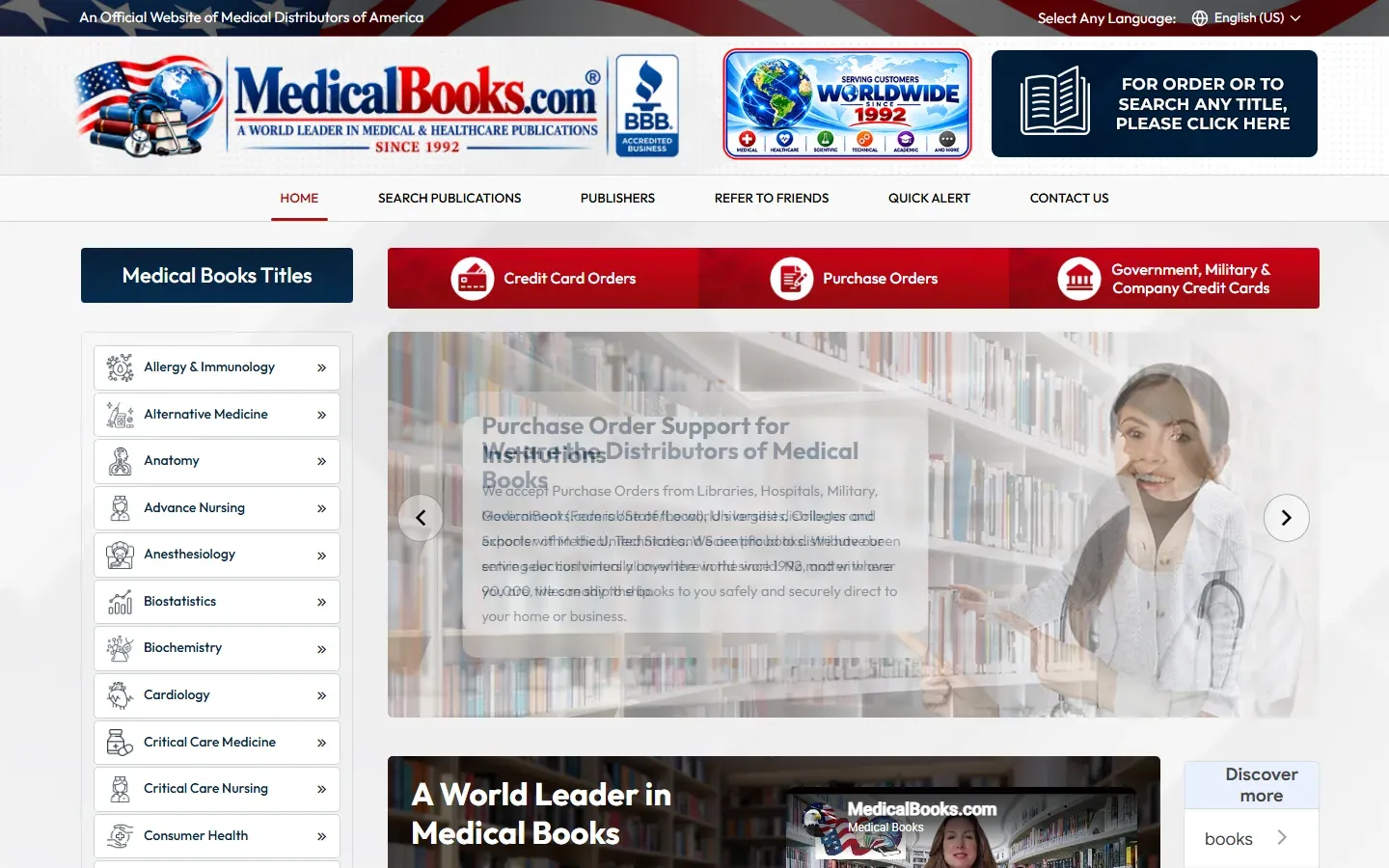
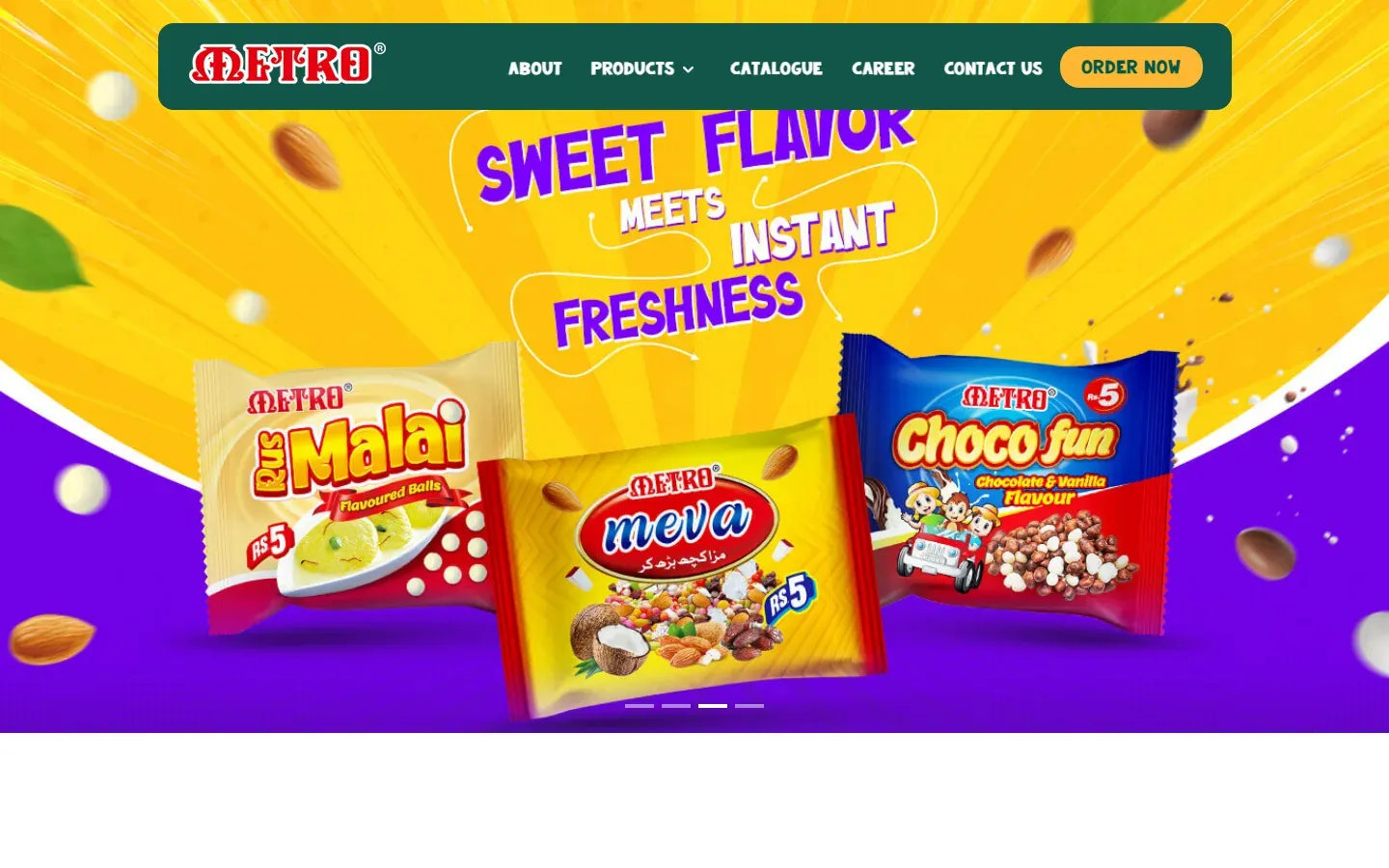
Recent sites we designed and built. Each one links to its case study.


Need a WordPress website for your business?
Tell us what you sell, who your customers are and which pages you think you need. We reply with where we would start and a quote for that scope.
Get a quote
Request a WordPress quote
Tell us what you sell and which pages you think you need. A rough list is fine.
- What your business sells, and where
- The pages you think you need
- Your current website, if you have one
WordPress Websites: common questions
Is WordPress good for a business website?
For most service businesses, yes. It is easy to edit, widely supported, and any developer can work on it later, so you are not tied to one agency. It is a weaker fit for web apps with user accounts and dashboards, and for stores that need a fully custom checkout.
Can I edit a WordPress website myself after launch?
Yes, if it is built for that. Text, images, blog posts and team members can be set up as editable content, so you change them from the dashboard without code. Layout changes and new page types are the usual jobs left for a developer. At handover, we show you how to make these edits yourself.
Which theme or page builder do you use?
The right setup depends on how much you want to edit yourself and how fast the site needs to be. The block editor, a page builder and a custom theme each trade editing freedom against speed. We recommend a setup when we scope your site, and your quote lists exactly what's included.
Who should own the hosting and domain?
You should. Hosting and domain accounts in your own business name mean you can change developers without asking anyone for access. We can help you set up hosting and domains in your name.
How many pages does a business website need?
Most service businesses need a home page, one page per main service, an about page, a contact page and a way to show proof such as projects or reviews. A blog is optional. A five-service business often lands at 10 to 12 pages; a business with one clear offer may need five.
Is WordPress secure?
WordPress core is patched regularly. Most problems come from outdated plugins, weak passwords and cheap hosting. A short plugin list, secure logins and someone who actually runs the updates prevent most of them. That last part is what a website maintenance plan is for.